



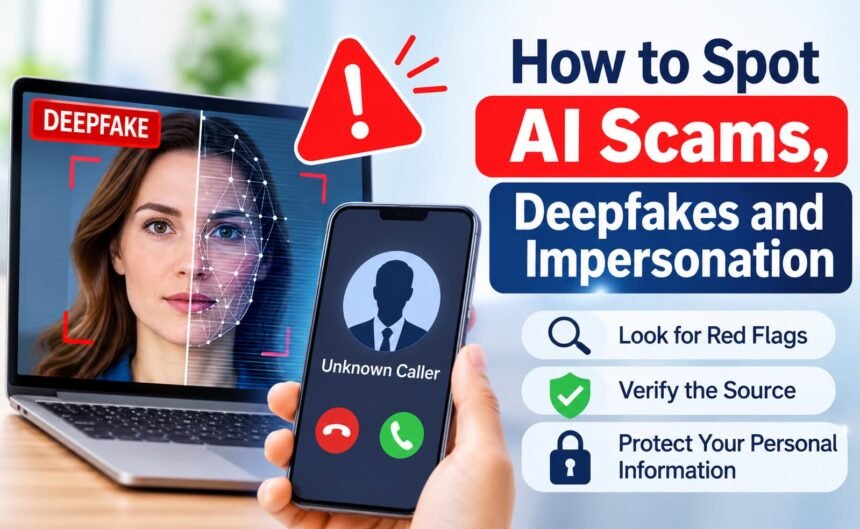
Scams that use artificial intelligence can look, sound and read more convincingly than older fraud attempts, making it increasingly important to know how to spot AI scams before becoming a victim. A message may imitate a family member’s voice, a manager’s writing style or a company’s branding. Although the technology is changing, the safest response remains familiar: slow down, verify the source through a separate channel and never respond to unusual payment or access requests without confirming their authenticity.
The Federal Trade Commission and other public agencies continue to warn consumers about impersonation and fraud. Specific scam patterns change, so treat current official alerts as the best source for new examples.
What AI-enabled impersonation can look like
Generative tools can produce realistic text, images, audio and video. A scammer might send a voice note that sounds like a relative, a video call that appears to show an executive or a fake support message that copies a company’s tone. The existence of a familiar voice or face is not proof of identity.
Some attacks combine AI with ordinary social engineering. The scammer still creates urgency, asks for secrecy, requests a gift card or wire transfer, or sends a link to steal a password. AI mainly makes the story easier to personalize.
Warning signs to notice
Pressure and secrecy
“Act now,” “do not tell anyone” and “I cannot talk on the phone” are reasons to pause. Urgency is a tactic, not evidence.
Unexpected changes in payment or process
A familiar person may suddenly ask for cryptocurrency, gift cards, a new bank account or a transfer outside the normal process. Confirm the request using a number or contact method you already trust.
Small inconsistencies
Look for an unusual greeting, strange timing, awkward wording, mismatched lip movement, unnatural pauses or details the sender should know but gets wrong. These clues are useful, but polished fakes may not show obvious flaws.
Requests for codes or remote access
No legitimate helper should need your one-time login code, full password or unrestricted control of your computer. Never read a verification code aloud because someone told you it is needed to “cancel” a transaction.
How to verify a person or message
- Stop the conversation. Do not click, reply, transfer money or share a code while feeling rushed.
- Use a separate channel. Call a saved number, start a new message thread or contact the organization through its official website or statement.
- Ask a private question. For a family member, use a shared memory or agreed family code. Do not rely on the voice alone.
- Confirm the request. Ask what is needed, why the normal process changed and whether another person can approve it.
- Check the account independently. Sign in through your usual app or typed address, not through the message’s link.
Protect your family and workplace
Create a simple family plan for emergencies: agree that unusual money requests require a phone call and a second person’s confirmation. Older relatives and teenagers may benefit from examples rather than technical explanations.
Workplaces should use approval procedures that do not depend on a voice, video or email appearance. For payment changes, require a second channel and documented approval. Staff should know that a realistic executive video is not authorization by itself.
If you think you were targeted
Do not continue negotiating with the scammer. Save the message, email headers, phone number, payment records and screenshots. Contact the relevant bank or payment service promptly using its official contact method. Change compromised passwords, revoke suspicious sessions and enable stronger account protection. If personal information was exposed, monitor accounts and consider the identity-theft resources maintained by U.S. government agencies.
Report suspected fraud to the appropriate platform and public consumer-protection authority. Reporting may help identify patterns, even when recovery is uncertain.
Quick verification checklist
- Was the contact unexpected?
- Is there pressure, secrecy or a new payment method?
- Can I verify through a saved number or official website?
- Am I being asked for a password, code or remote access?
- Would I make the same decision if I had an hour to think?
Conclusion
AI can make impersonation harder to judge by appearance or sound, but it does not remove the basic defenses against fraud. Pause, separate verification from the original message, protect authentication codes and treat unusual requests as untrusted until independently confirmed.
Share the checklist with one person you care about. A short conversation before a crisis is more useful than a warning after money or access is lost.
Editorial note: Scam methods and official reporting guidance can change. Check current FTC, CISA, and financial-institution guidance for the latest instructions.